Orbit · Supplier Portal
Quotation, purchase order, invoice and payment with your whole supplier base, in one portal.
Today your purchasing team retypes what the supplier sent by e-mail: the registration, the proposal, the delivery date, the invoice. The portal flips that: whoever has the information types it, in a portal with your brand, and what they fill in lands in IFS with nobody retyping.
IFS Applications 10IFS CloudIntegration validated with IFS Applications 10 and IFS Cloud. Every write to the ERP is audited and goes through buyer approval.
Data integrated into the ERP
No rework. No errors. Everything audited.
Less rework
No more e-mails and spreadsheets. Everything in one place.
More speed
Faster processes and suppliers who answer on their own.
Reliable data
Information typed by whoever has it, ready to compare.
Security and audit
Approved by the buyer and written to IFS with a trail.
What the portal guarantees by design
- 0
- retyping: what the supplier fills in lands in IFS
- 100%
- of ERP writes audited, with buyer approval
- 2
- IFS versions: Applications 10 and Cloud
- 3
- languages on every screen, desktop and mobile
Your team stops being the go-between and starts deciding: sets the rule, invites, compares on the map and chooses.
How it is today, and how it becomes
The same purchasing process, with the work in the right place.
TodayA certificate expires and someone finds out at payment time.
With the portalThe portal warns before it expires, and the supplier renews it alone.
TodayThe proposal arrives by e-mail and is retyped into a spreadsheet.
With the portalThe supplier types their own proposal, and it arrives ready to compare.
TodayThe buyer calls the supplier to find out the delivery date.
With the portalThey confirm the date in the portal, and the confirmation is written to IFS.
TodayThe invoice arrives by e-mail and the discrepancy shows up after payment.
With the portalThe invoice is captured and checked against the order, before payment.
TodayThe supplier calls finance to ask about their receivable.
With the portalThey look up their own receivable and the payment forecast.
What changes is not the screen. It is who types, and where the data lands.
From order to payment, inside the portal
Seven steps that today live in spreadsheets and e-mail, in one flow, with a trail at each one.
- 1
Quotation
The buyer builds the quotation with items looked up in IFS.
- 2
Invitation
Suppliers from the base or new ones, invited by e-mail.
- 3
Response
The supplier answers with price, lead time, notes and attachment.
- 4
Comparison map
Price, lead time and freight side by side, item by item.
- 5
Purchase order
The winner becomes a purchase order in IFS, with no retyping.
- 6
Delivery
The supplier confirms the date, and the confirmation is written to IFS.
- 7
Invoice
Invoice and bank slip enter the checking queue and become a payable.
IFS keeps the official document. The portal owns the process.
The work leaves your team
Whoever has the information becomes the one who types it. And what they type lands in IFS.
The supplier does
- Keeps their own registration: details, addresses, contacts and bank account. Nothing enters IFS without your approval.
- Renews their own documents: the portal warns before the certificate expires.
- Answers their own quotation: price, lead time, freight, notes and attachment.
- Confirms the delivery date, and the confirmation is written straight to IFS.
- Sends the invoice and bank slip linked to the purchase order, ready for checking.
- Looks up their own receivables and payment forecast, read from IFS.
Your team decides
- Publishes the compliance requirement by supply category. The control spreadsheet is gone.
- Invites to a quotation in one step, with the items looked up in IFS.
- Compares on the map, item by item: price, lead time and freight, lowest highlighted.
- Chooses, and the order is born in IFS with one click. Nobody retypes the order.
- Approves before it enters the ERP: new supplier, document, compliance and catalogue item in a single queue.
- Checks the invoice against the order. The discrepancy shows up before payment, not after.
On screen
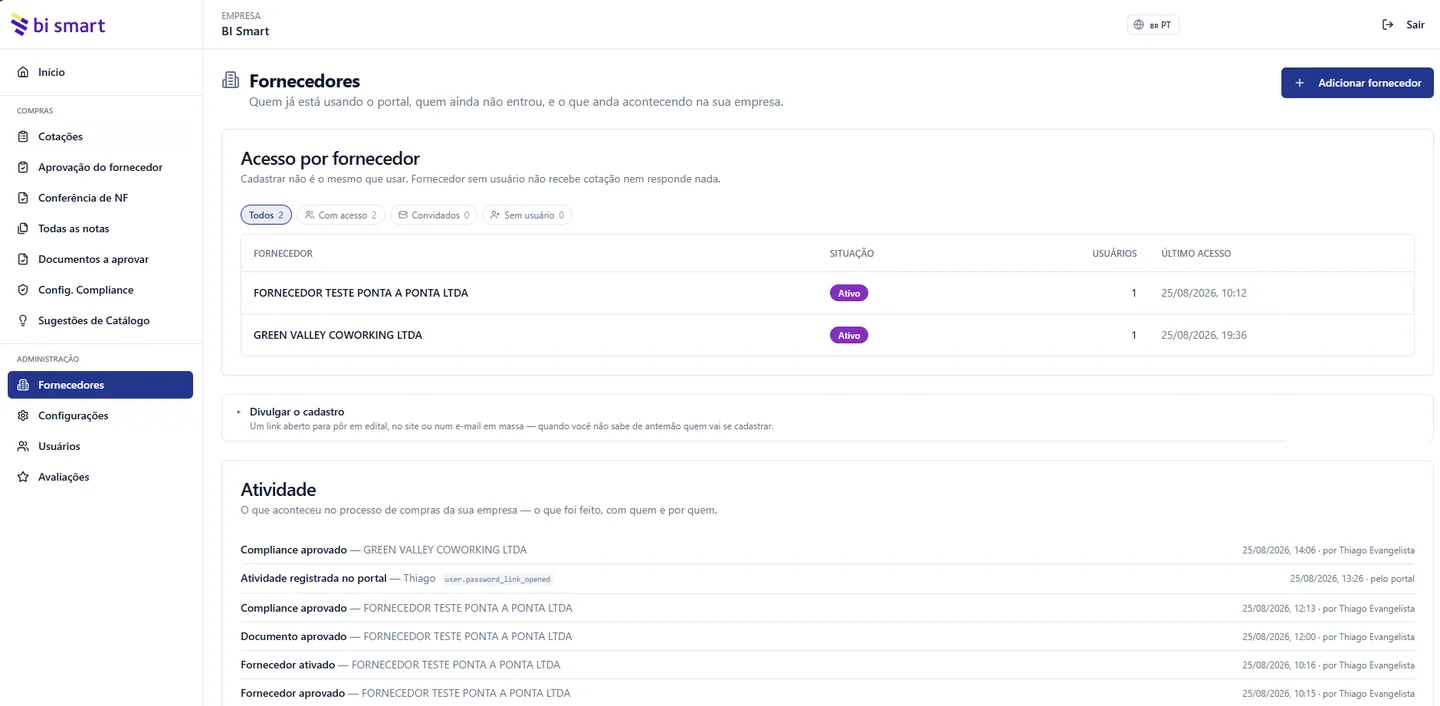
Screenshots of the portal in use, untouched.
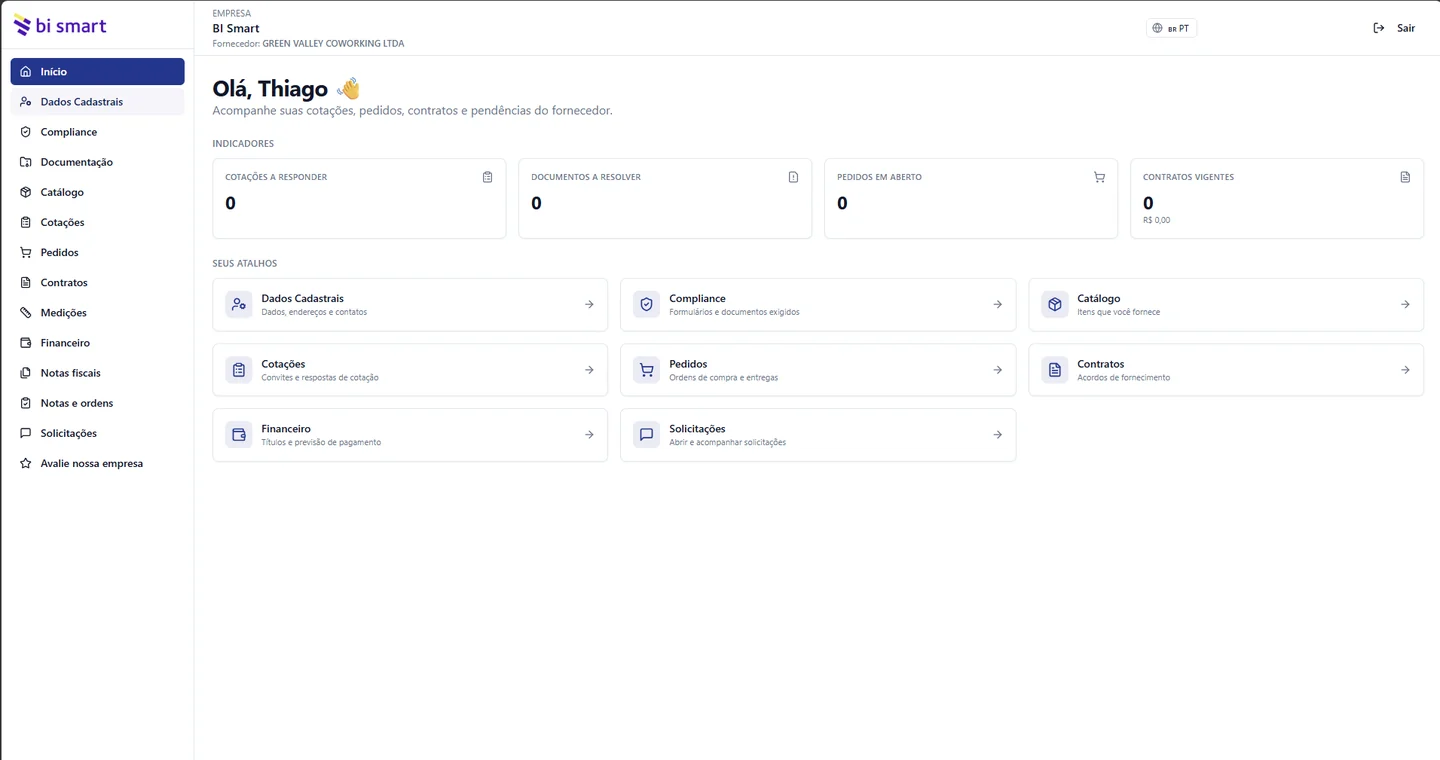
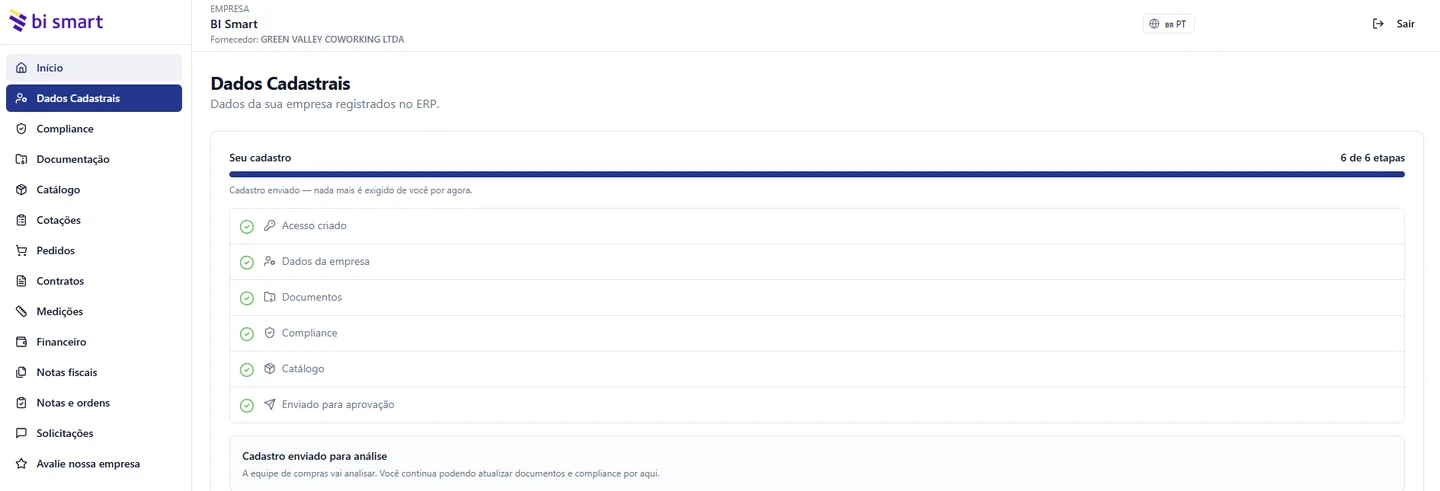
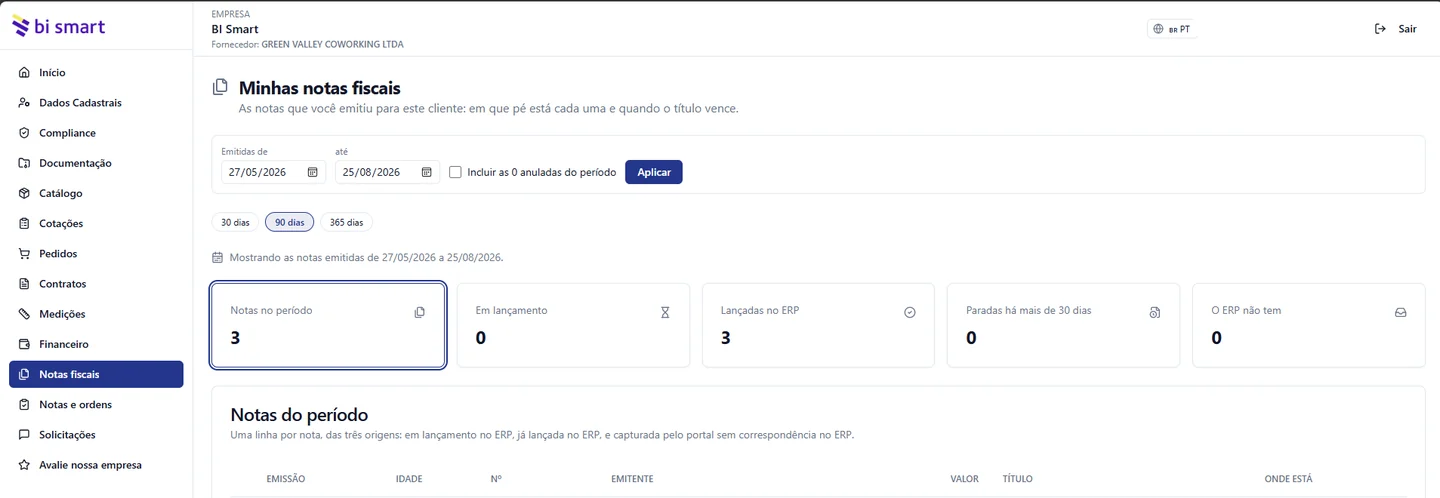
The comparison map and the conversion into a purchase order we show live, with your own items and suppliers.
Book a demoThe platform behind it
What comes with any contract, with no extra module.
White-label
Your company's theme, logo and favicon. The supplier enters a portal with your brand, not ours.
Isolation per supplier
Each supplier sees only what is theirs. One supplier's quotation response never appears to another, with dedicated segregation tests.
Audited writes to IFS
Every write to the ERP is recorded, with concurrency control. Nothing enters IFS without the buyer's explicit approval.
Three languages and mobile
Portuguese, English and Spanish on every screen, an installable mobile app and screens designed for field use.
Connector for IFS Applications 10 and IFS Cloud, configurable per screen, with no new portal release.
Want to see it running with your data?
Tell us which ERP you use and how many active suppliers you have. BI Smart books 30 minutes with someone from procurement and someone who knows your IFS installation, and shows the portal with your numbers, not market averages.
Reply within one business day.
Already use the portal?Sign in